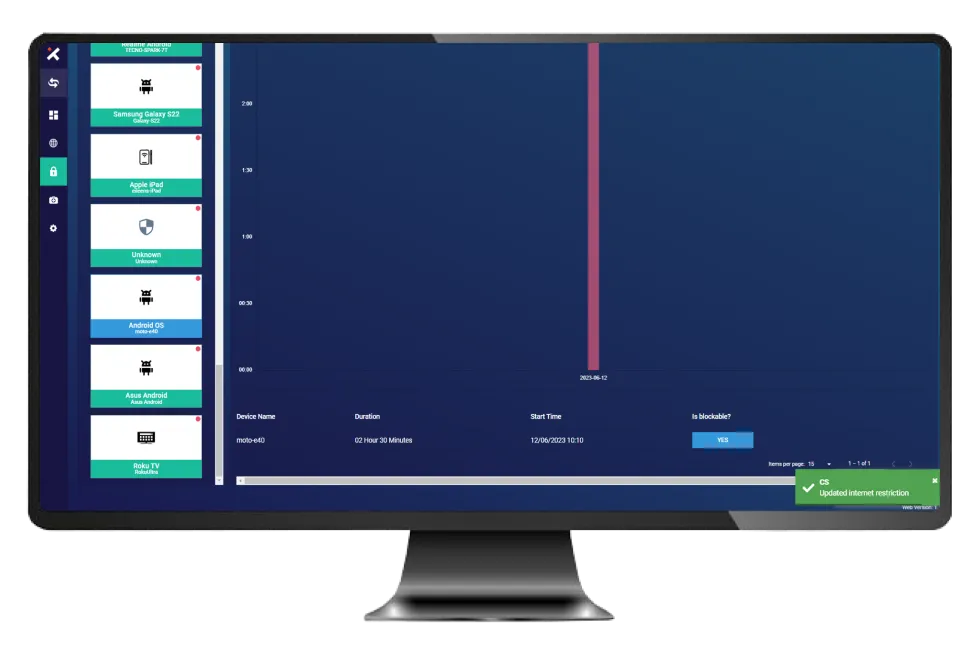
Another Way To Reset Limit Internet
7 min
There is an alternative method available to restore the internet usage limit back to its default setting.
Follow these steps to reset the Internet limit.
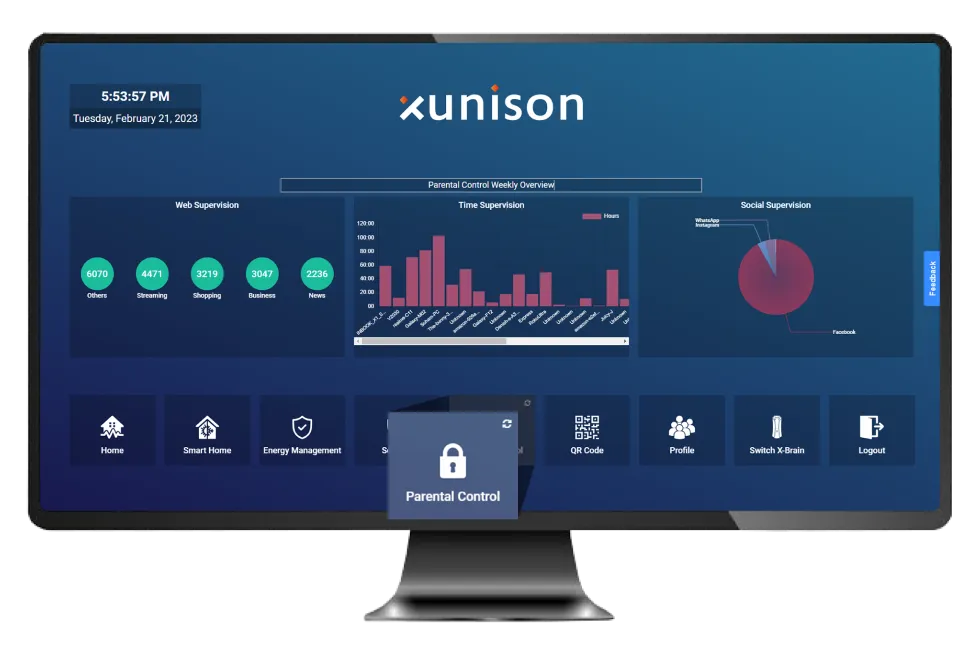
Step 1: Parental Control
Select "Parental Control" from the dashboard.
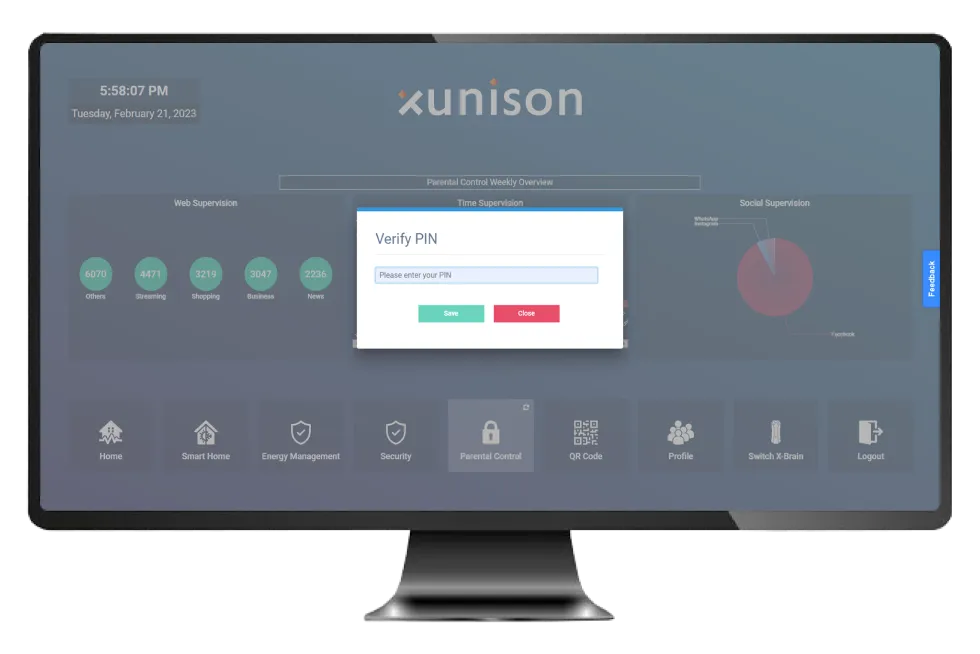
Step 2: Enter PIN
Enter parental PIN.
Step 3: Parental Control
Open the Parental Control dashboard.
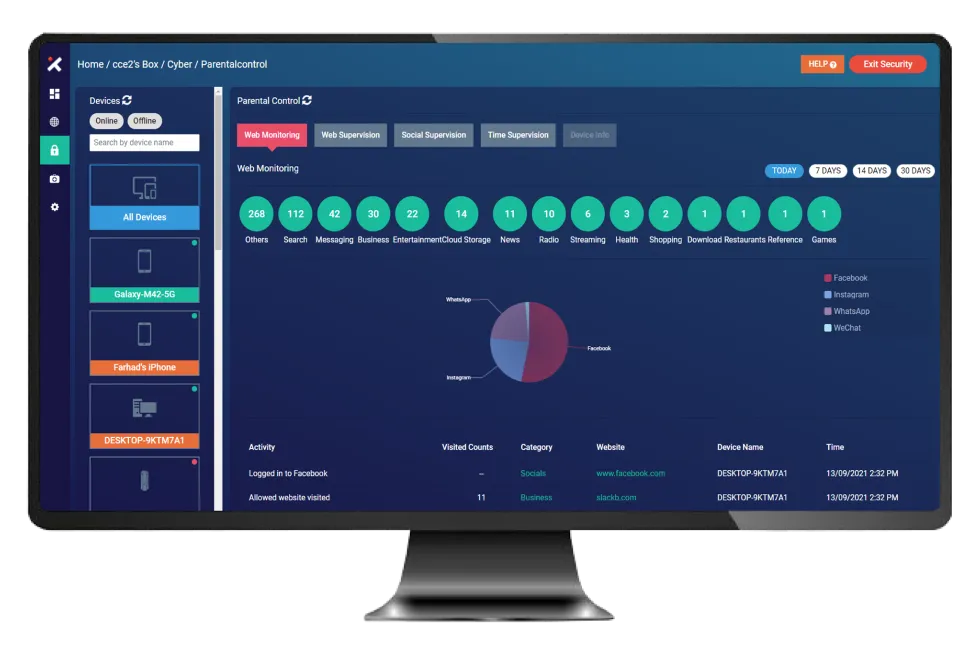
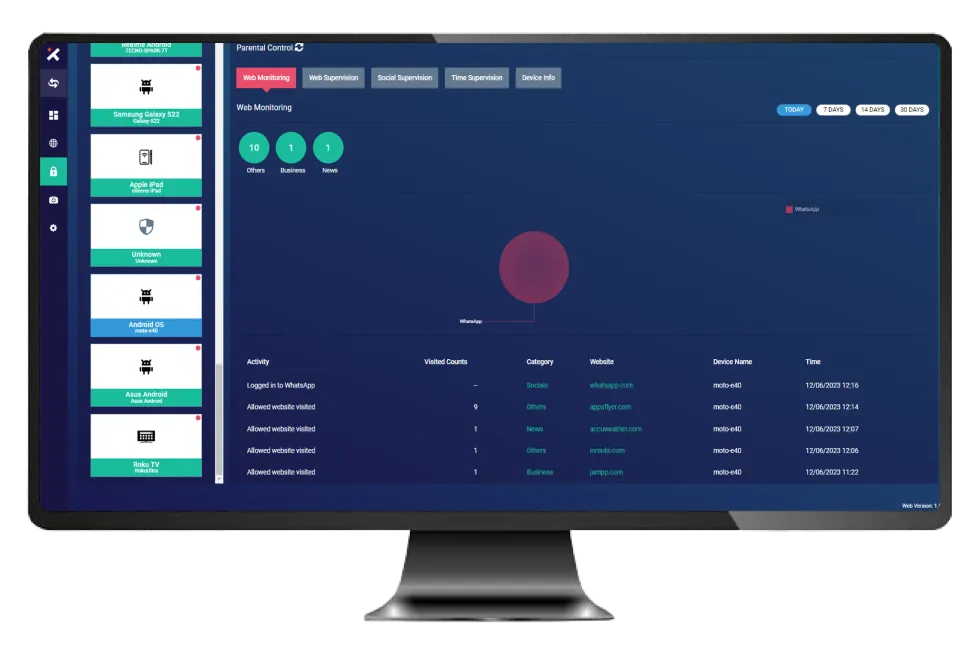
Step 4: Select The Device
Select a particular device.
Step 5: Time Supervision
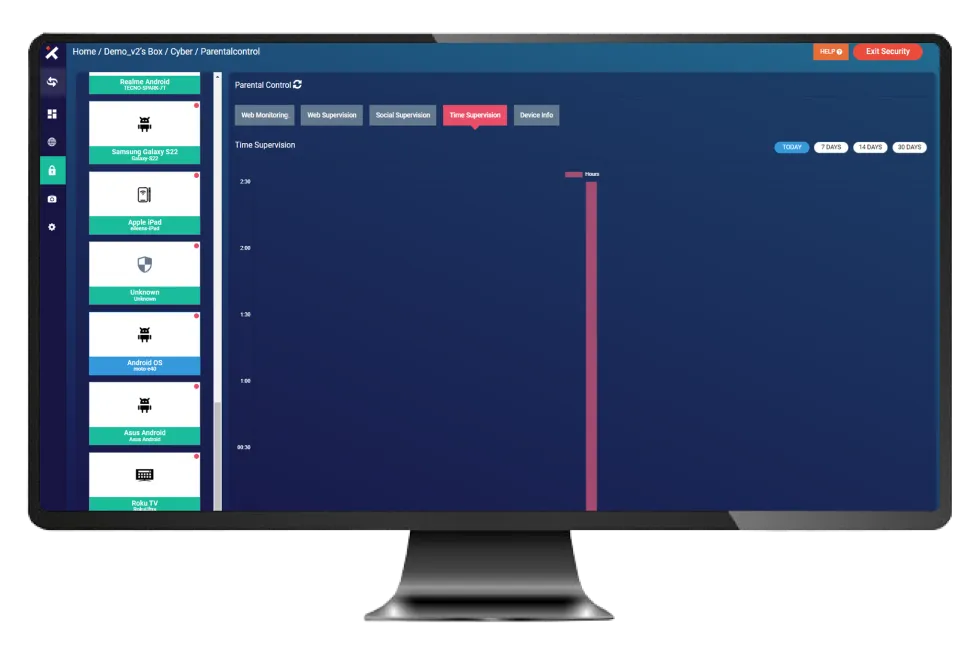
Select Time supervision.
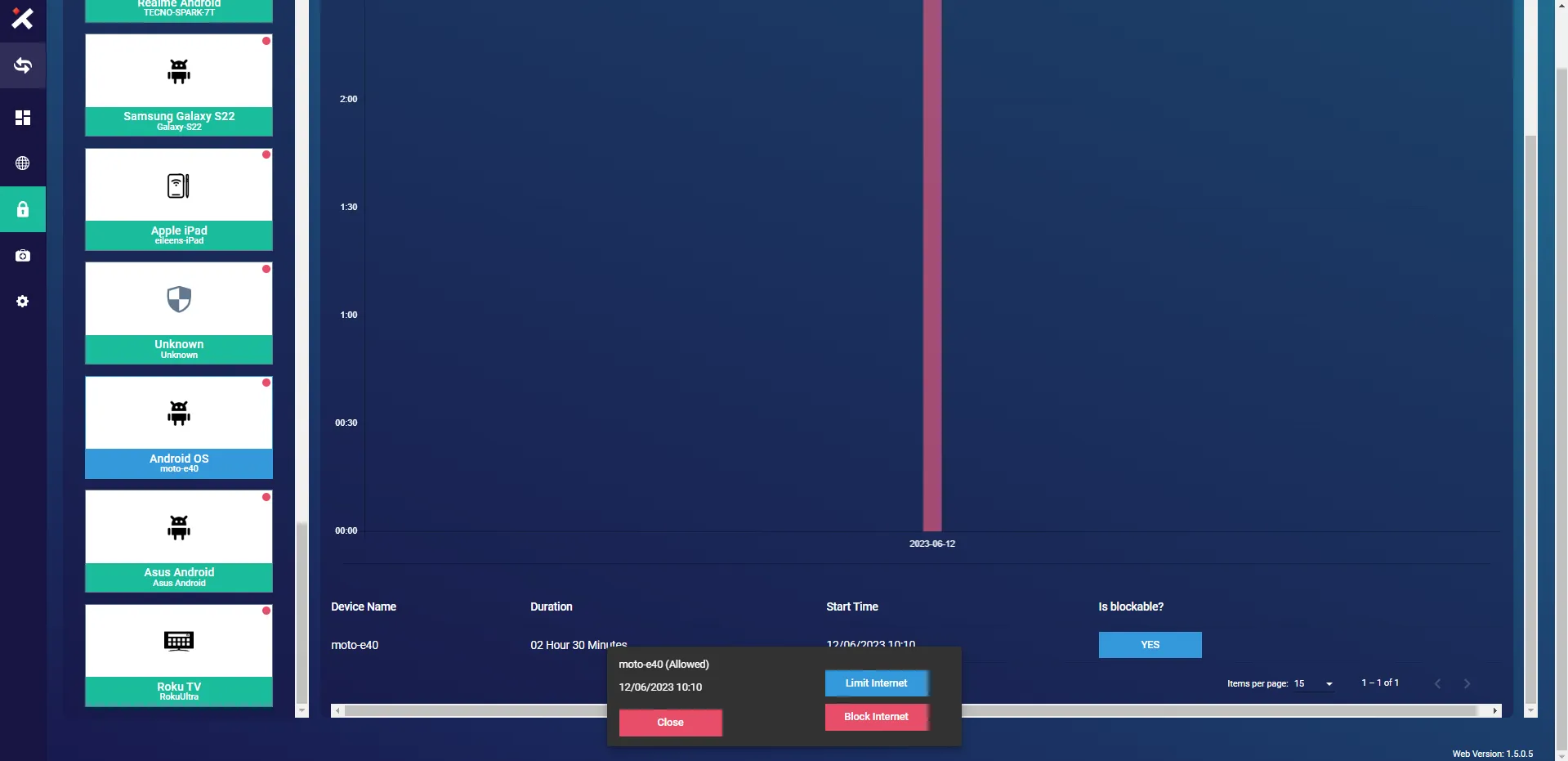
Select the device and click on "Limit Internet".
Step 6: Reset
Click on "Reset" and "Save".
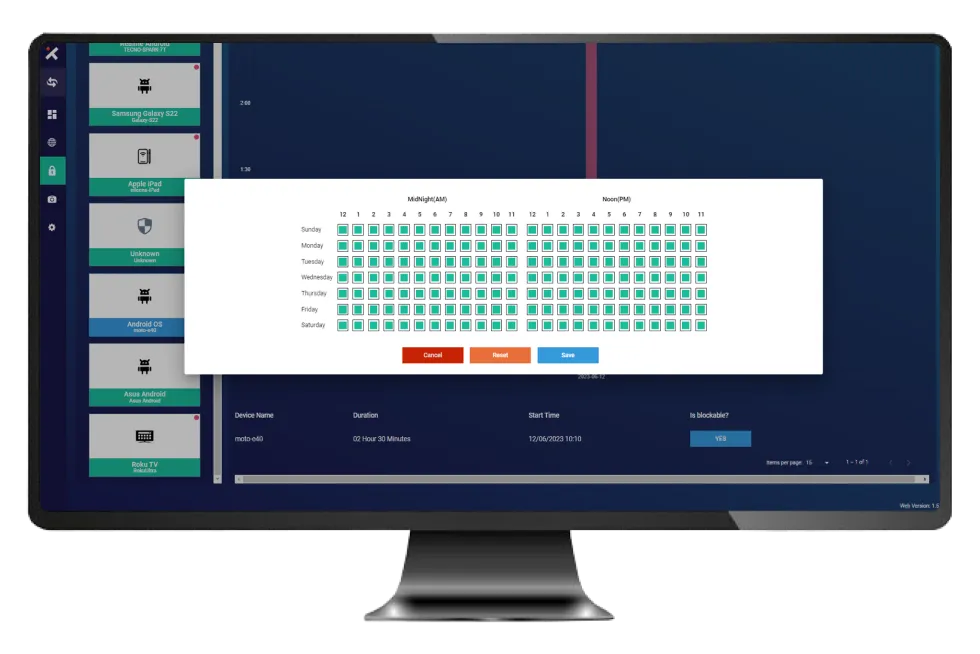
The reset internet limit has been successfully updated.